
Compress Images to 250KB
Compress image to 250KB online. Upload images, click compress, and download instantly.
Drop images here or click to upload
Supports: PNG, JPEG, WebP
Note: All image compression happens entirely in your browser. We do not upload or store your images anywhere.
Who actually needs 250KB images?
You’re a freelance interior designer based in Amsterdam, and you’ve just finished photographing a client’s newly renovated kitchen. The photos are stunning wide-angle shots with gorgeous natural light but each raw file is sitting at 8MB. Your portfolio site on Cargo Collective is already loading slowly, and you know the reason why. You don’t want to sacrifice all that detail either, because these images are your work and your reputation. That’s where 250KB hits the sweet spot: rich enough to show depth, texture, and colour across a full-width section, small enough to not strangle your site’s load time.
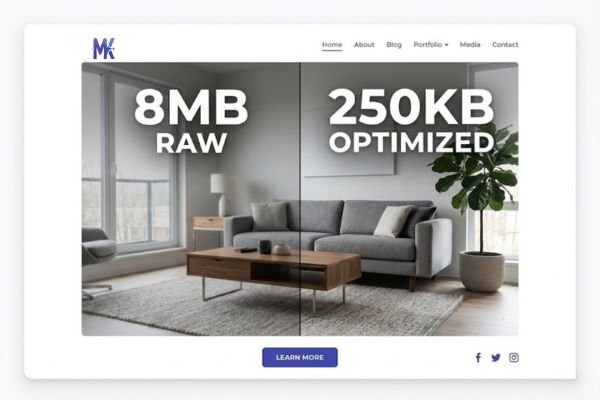
Architects and designers across Europe deal with this constantly. Whether you’re uploading project images to Houzz, submitting to Dezeen’s portfolio section, or sending work through Architizer, there’s an implicit expectation that files are web-optimised not raw exports dumped straight from Lightroom. A 250KB image at typical web dimensions (1920×1080 or similar) still holds extraordinary visual quality. For hero images, project covers, and full-width showcases, this is genuinely one of the best sizes you can use.
It’s not just creatives, either. Small business owners across the UK, Germany, and Spain building Wix ADI sites are constantly hitting upload warnings or noticing their pages crawl. Format portfolio users popular among UK photographers need images that look sharp on retina screens without turning every page load into a waiting game. 250KB is the size that works without compromise in all of these scenarios.
Real platforms and websites that require 250KB
| Platform | Max Allowed | Common Use | Country / Region |
| Houzz | 5MB per image (but 250KB loads fastest) | Architecture & interior project uploads | UK, Germany, France, Netherlands |
| Architizer | 10MB per project | Project portfolio submissions | EU-wide |
| Dezeen | ~2MB recommended | Portfolio & editorial image submissions | UK-based, global audience |
| Designboom | Under 3MB preferred | Design competition & feature submissions | Italy-based, EU-wide |
| Cargo Collective | No hard limit, but performance-based | Designer portfolios, creative sites | Popular across EU designers |
| Format Portfolio | 25MB per image (but 250KB for fast loading) | Photography portfolios, client proofing | Strong UK user base |
| Wix ADI | 25MB (Wix limit), but 250KB for performance | Small business websites, landing pages | Very popular across Spain, France, Germany |
The “no hard limit” platforms are sometimes the trickiest. Just because Cargo Collective or Wix won’t reject a 4MB image doesn’t mean uploading one is a good idea. Visitors on mobile networks which is how most people in Europe browse will quietly leave before your page finishes loading.
What image quality looks like at 250KB
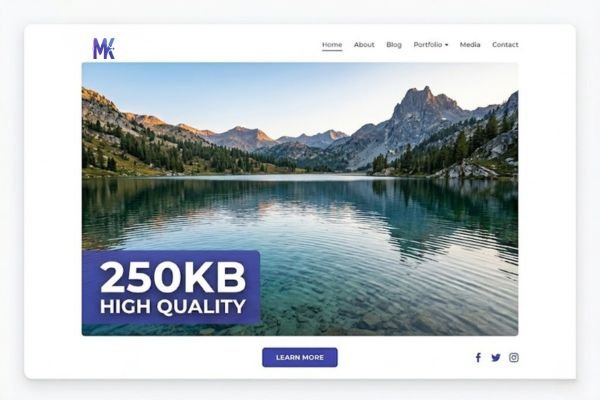
Let’s be direct: 250KB is genuinely impressive for a compressed image. At this size, wide and landscape-format images retain nearly all their visible detail. A full-width hero shot of a building exterior, an interior design spread, or a product flat-lay will look crisp and professional at this size you won’t be wincing at your own portfolio.
Here’s what holds up well and what to watch:
What survives beautifully at 250KB:
- Landscape and architecture shots large open areas compress very efficiently
- Images with soft backgrounds (bokeh, sky gradients, plain walls) these areas are easy to compress without visible loss
- Photos with strong compositional clarity the eye reads the image before it notices any compression
- WebP and well-optimised JPGs at 1200–1920px wide both formats perform excellently at this size
Where you might notice some softening:
- Very fine textures in close-up shots intricate wallpaper patterns, fabric weaves, small tile details if the entire image is nothing but fine texture, some subtle softening is possible
- Extreme crops to very small dimensions compressing a 400×300px image to 250KB actually wastes space on a file that didn’t need it; 250KB is suited to larger image dimensions
- PNG files with lots of transparency these can sometimes be harder to squeeze, and converting to WebP is often the smarter move
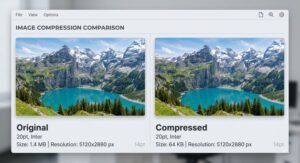
One honest note: at 250KB, quality loss is not usually something your clients or visitors will notice. It’s something you might notice if you zoom in and compare side-by-side with the original. For practical web use, it simply doesn’t matter.
How to get the best result at 250KB
1. Use WebP for photographs whenever possible WebP consistently outperforms JPG at the same file size for photographic content. If your audience is on modern browsers (which, in 2025, is essentially everyone), WebP at 250KB will look noticeably sharper than a JPG at 250KB.
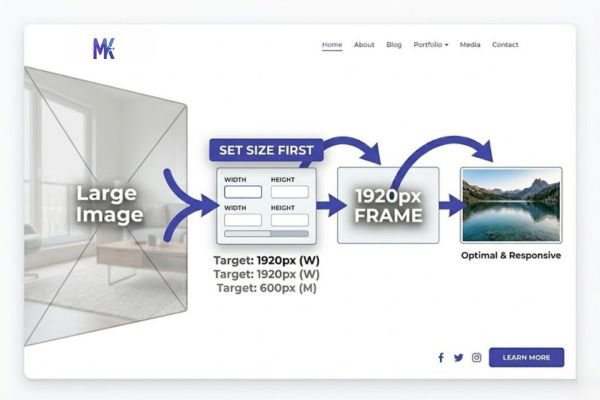
2. Start with the right image dimensions before compressing Compressing a 5000×3500px file down to 250KB is working against yourself. Resize first 1920px wide is typically plenty for full-width web sections, and 1200px is fine for card or thumbnail use. Let the compressor handle quality, not dimensions.
3. Landscape images compress better than portrait at the same quality If you’re building a portfolio with both portrait and landscape shots, landscape images will look better at 250KB because the compression is distributed across a wider canvas. Portrait images with lots of fine detail in a tall frame may need closer attention.
4. Test your hero images at actual browser widths After compressing, view the image in a browser at full width not inside a thumbnail preview. Hero images are seen at full scale, and that’s where quality is either obvious or not. If it looks great at 100% in a browser tab, you’re done.
5. Batch your project gallery at once If you’re preparing images for an Architizer upload or a Houzz project gallery, you don’t have to go image by image the tool supports bulk compression, so you can drop in an entire project folder and compress everything to 250KB in one go.
6. For PNG logos or graphics, consider whether you actually need 250KB 250KB is calibrated for photographs. A flat-colour logo or icon at 250KB is overkill those files will naturally sit much smaller. Save the 250KB target for rich photographic content where it earns its place.
250KB vs 200KB vs 300KB – Which to choose?
| Size | Best for | Quality level | File count before 1MB page weight |
| 200KB | Thumbnails, card grids, blog post images, mobile-first sites | Very good — minor compression visible only up close | ~5 images |
| 250KB | Full-width hero images, portfolio showcases, architecture/interior photography | Excellent — essentially indistinguishable from uncompressed at normal viewing | ~4 images |
| 300KB | Print-to-web conversions, editorial spreads, competition submissions where quality is judged | Near-lossless for most images | ~3 images |
Choose 200KB when: you’re building a content-heavy site with many images per page, or your primary audience is on mobile networks. French and Spanish mobile usage is high if your Wix site targets those markets, 200KB keeps the page feeling snappy.
Choose 250KB when: you have a single strong hero image or a showcase portfolio section, the image quality directly reflects your professional work (architects, photographers, interior designers your images are your pitch), or you’re uploading to a platform like Houzz or Dezeen where the image will be viewed at large sizes.
Choose 300KB when: you’re submitting work to a competition, a print-adjacent publication like Designboom, or any context where the person viewing it will be scrutinising image quality with intent. At 300KB, you’re essentially in “lossless for the human eye” territory.
Common mistakes people make at 250KB
Compressing an already-compressed image You downloaded a JPEG from a previous export, ran it through a compressor, then ran it through again “just to be safe.” Each generation of JPEG compression introduces new artefacts on top of old ones it compounds. Always compress from the original RAW or highest-quality export you have.
Using 250KB for images that don’t need it A small icon, a simple social media profile image, or a flat vector illustration converted to PNG does not benefit from a 250KB budget. You’re not actually getting quality from those extra bytes you’re just not compressing efficiently. Use 250KB for rich, detailed photographs where those kilobytes translate into visible quality.
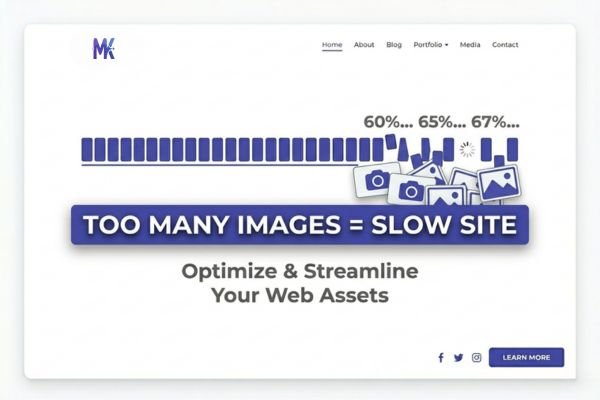
Uploading at wrong dimensions and relying on the target KB to fix it A 400×300px image compressed to exactly 250KB will actually look worse than a properly resized 1920×1080px image at the same size because you’ve pumped an enormous amount of data into a tiny canvas. Set your dimensions correctly first: 250KB should be the quality target, not a substitute for resizing.
Assuming 250KB is always safe for page performance One 250KB hero image on a landing page is fine. Eight 250KB images in a gallery on the same page is 2MB of images before scripts or fonts are loaded that’s a slow page on mobile. Think in terms of total page weight, not just per-image size. If your gallery has many images, consider using 200KB for the grid thumbnails and loading the 250KB version only when someone clicks through.
Latest from Our Blog
Explore image compressor guides, photo resizer tutorials, kilobyte reducer tips, and online image converter tools.
- How Image Compression Works (Beginner Guide + Free Online Tools)
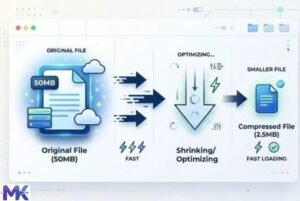
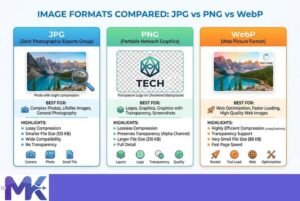
- JPG vs PNG vs WebP — Which Image Format Should You Use?
- How to Compress Images for Government Forms (Free & Easy Guide)

- Reduce Passport Photo Size — Free Online Guide (Step-by-Step)

- Compress Images for Job Application — Free Step-by-Step Guide

- Reduce Image Size Without Losing Quality — Complete Free Guide
Frequently Asked Questions
For web delivery, no your clients will not notice. The perceptible quality difference between a well-compressed 250KB WebP and the original file is essentially invisible when images are viewed at normal browser sizes. Where 250KB is not suitable is for print delivery or when sending files to clients for archival purposes those should remain uncompressed originals.
Houzz accepts images well above 250KB, but 250KB is actually ideal for their platform. It loads quickly on the platform’s image viewer, displays beautifully at their standard large-size previews, and keeps your project gallery feeling fast for potential clients browsing on mobile. You’re not losing anything by compressing to this size you’re making the experience better.
Yes, it’s one of the most reliable sizes for exactly this purpose. A 1920px-wide JPG or WebP compressed to 250KB will look sharp on standard monitors and perfectly clear on retina displays at the sizes hero images are typically displayed. UK web design standards increasingly prioritise performance alongside quality, and 250KB sits at that sweet spot.
It will very likely make a meaningful difference. Cargo Collective sites that feel sluggish are almost always image-heavy with unoptimised files. Switching to 250KB across your image assets is typically the single highest-impact thing you can do for page speed — no code changes, no theme adjustments, just smaller files.
Dezeen and Designboom both accept images well above 250KB, and if they’re judging image quality for features or competition entries, you may want to go up to 300KB to be safe. However, for standard portfolio or press submission purposes, 250KB is absolutely fine — it’s in the range that editorial teams work with daily and shows your work at high quality.
It depends on the image. For photographs with lots of colour variation, convert to JPG or WebP first PNG at 250KB will often look worse than a JPG or WebP at the same size because PNG compression isn’t optimised for photographic content. For images with transparency, large flat-colour areas, or illustrations, stay as PNG.
In-browser compression is faster, requires no software installation, and works identically across Windows, Mac, or Linux — which is why it’s increasingly the preferred choice for quick project workflows. The quality output at a given target KB is comparable to desktop tools for typical web use. The key advantage of a browser tool is that your images never leave your device — there’s no upload to a server, so client work and unreleased projects stay completely private.