
Compress Images to 60KB
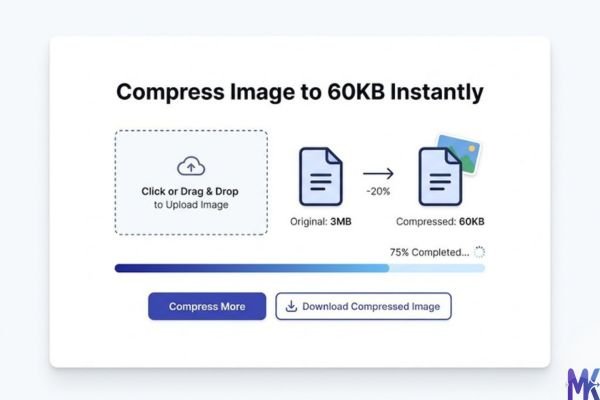
Compress image to 60KB online. Upload images, click compress, and download instantly.
Drop images here or click to upload
Supports: PNG, JPEG, WebP
Note: All image compression happens entirely in your browser. We do not upload or store your images anywhere.
Who actually needs 60KB images?
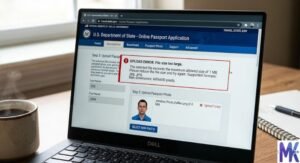
You’re sitting at your desk, halfway through a UK Skilled Worker visa application on the Home Office portal, and there it is the dreaded photo upload field. It asks for a photo under a specific file size, and your camera shot is sitting at 3.4MB. Sound familiar? This is the exact situation that brings most people to a 60KB compressor. It’s not about being creative with images it’s about getting through a form without getting an error message.
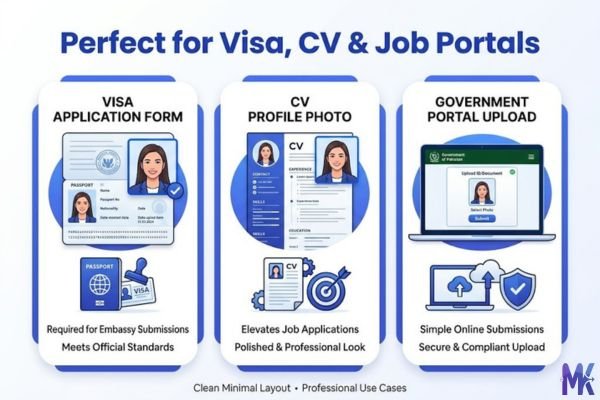
60KB is a genuinely useful size for people across the UK and EU who are constantly dealing with government portals, university admissions, and employment platforms. If you’ve ever applied for a Schengen visa, submitted documents through the Universal Credit portal, or uploaded a professional photo to your Europass CV, you’ve almost certainly bumped into file size restrictions that sit right around this range. These platforms don’t want to store huge files, and they’re built for dial-up-era upload limits that never quite got updated.
There’s also a quieter group of 60KB users: HR departments, small business owners uploading staff photos to NHS systems, students submitting ID photos for UCAS applications, and professionals creating profiles on German job portals like the Jobcenter online system. For all of these people, 60KB isn’t arbitrary it’s the sweet spot between “still looks professional” and “won’t get rejected by the upload form.”
Real platforms and websites that require 60KB
| Platform | Max Allowed | Common Use | Country |
| UK Government Gateway (gov.uk) | 50–100KB (varies by service) | Passport, visa, benefit applications | United Kingdom |
| UCAS | 60KB (photo upload) | University application profile photo | United Kingdom |
| Universal Credit Portal | ~100KB | Claimant profile and document submission | United Kingdom |
| NHS Staff Passport / ESR | 60–80KB | Employee profile photos | United Kingdom |
| Schengen Visa Application Portals | 50–100KB | Visa photo upload for EU entry | EU / Schengen Zone |
| Europass CV | 200KB max (photo) | Professional CV with headshot | EU-wide |
| Germany Jobcenter Online Portal | 50–100KB | Job seeker profile and applications | Germany |
| Netherlands DigiD Services | Varies (~100KB) | Government ID and portal access | Netherlands |
| France Visa Application Portal (France-Visas) | 100KB max | French visa photo submission | France |
A note worth making here: many of these platforms not only check file size they also validate dimensions. The EU standard for formal photos is 35×45mm, and platforms like the Schengen visa portal will reject photos that don’t meet both the size and the dimension requirement. This tool handles the KB compression part beautifully; just make sure you’ve also resized to the correct pixel dimensions before uploading. A 60KB photo that’s the wrong crop will still get rejected.
What image quality looks like at 60KB
Let’s be honest, because this actually matters before you submit anything official.
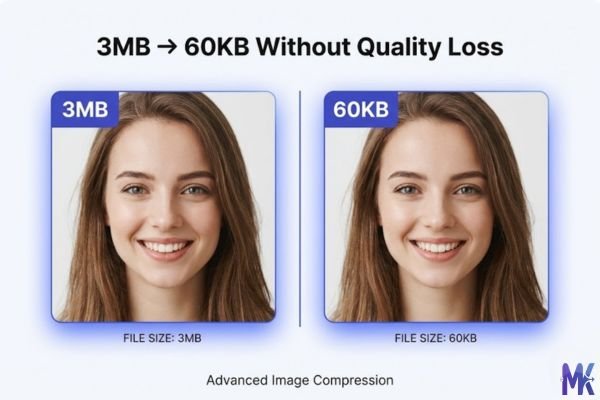
What holds up well at 60KB: A standard passport-style photo head and shoulders, plain background, good lighting compresses to 60KB with very little visible degradation. Faces remain sharp. Skin tones stay natural. If your original photo was well-lit and in focus, you’d struggle to spot the difference at normal viewing size. For a government portal or CV upload, this is more than good enough.
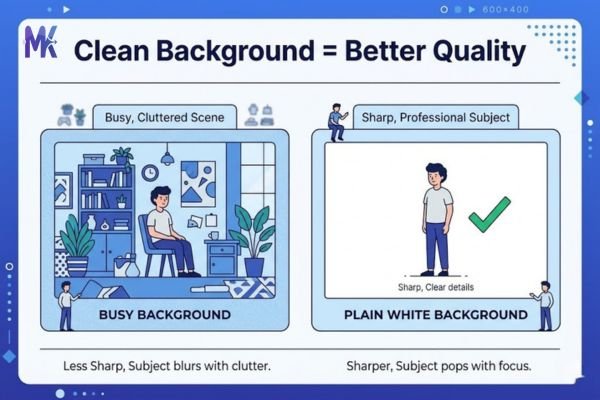
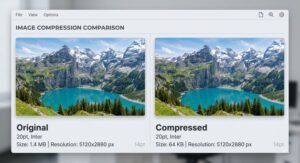
What starts to suffer: Photos with complex backgrounds think a busy street, a patterned wallpaper, or a detailed landscape will show some compression artefacts, particularly in areas with lots of colour variation. You might notice slight blocking or muddiness in the background. For a professional headshot, this doesn’t matter because the background should be plain anyway. But if you’re compressing a product photo or an event image down to 60KB, expect some quality loss in the detail areas.
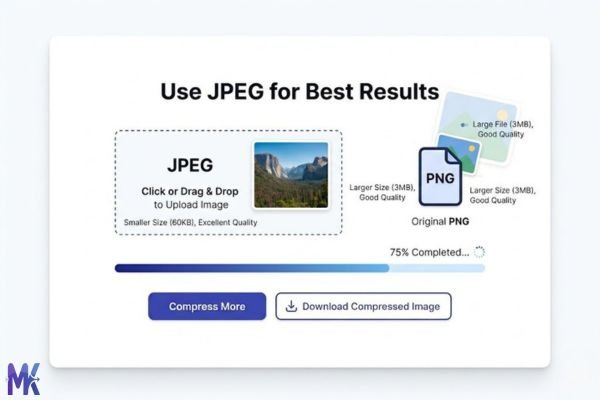
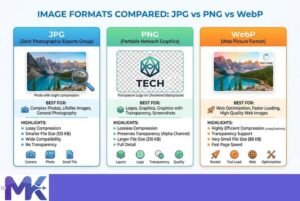
JPEG vs PNG at this size: JPEGs handle compression to 60KB much more gracefully than PNGs. A PNG at 60KB often means quite heavy compression if your original is large, and you can end up with colour banding or hard edges around transitions. If you’re compressing a photo (not a logo or graphic), always work with JPEG at this size range.
Practical tip: If your original image is already 150–300KB, getting to 60KB is a small step and quality will be excellent. If you’re starting from a 5MB DSLR photo, the jump is larger, but the result is still perfectly usable for formal document submissions.
How to get the best result at 60KB
1. Start with a clean, well-cropped image Before compressing, crop your photo to remove unnecessary background. The less visual information in the image, the easier it is for the compression algorithm to hit 60KB without degrading what matters your face, the important subject. A tight crop of a passport photo will compress to 60KB looking crisp every time.
2. Use plain or blurred backgrounds deliberately If you’re taking a fresh photo specifically for an official submission, use a plain white or light grey background. This isn’t just a visa requirement it’s compression-friendly. Complex backgrounds eat into your KB budget, leaving less room for the actual detail you care about.
3. Convert PNG to JPEG before targeting 60KB If you have a PNG, the smartest move is to ensure you’re compressing as JPEG. Photographic images were never meant to live in PNG format for document use JPEG handles gradients and skin tones at low file sizes far better.
4. Match your dimensions to the requirement first Get the dimensions right before you compress. If a portal wants a 600×800px image, resize to that first. Compressing a 4000×3000px image to 60KB forces the compressor to work much harder than compressing a correctly-sized 600×800px image to the same target.
5. For multiple document photos at once, upload them together If you’re preparing photos for multiple family members’ visa applications or uploading photos for several staff profiles, the tool lets you compress multiple images in a single session just upload them all at once and download everything compressed to 60KB without repeating the process for each one.
6. Check the output before submitting to official portals Always preview the compressed image before uploading to anything official. What looks sharp on your phone might look different on a large monitor. A quick zoom-in check on the face area takes five seconds and could save you a rejected application.
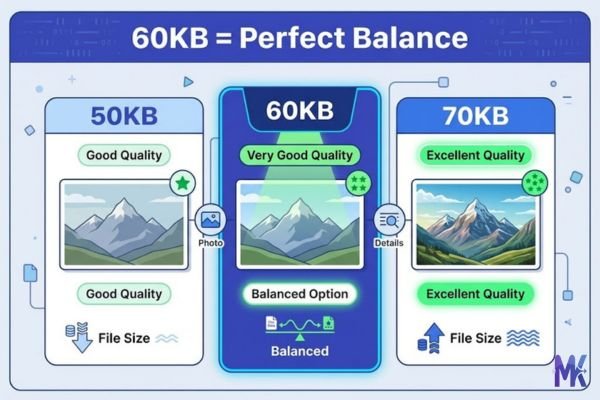
60KB vs 50KB vs 70KB — Which to choose?
| 50KB | 60KB | 70KB | |
| Quality level | Good — slight compression visible on close inspection | Very good — professional quality | Excellent — minimal compression |
| Best for | Stricter portals, older government forms | Visa apps, CV photos, NHS, UCAS | When quality matters and portal allows it |
| File size | Smallest of the three | Balanced | Slightly larger |
| Risk of artefacts | Slightly higher on complex images | Low for standard headshots | Very low |
| Use when… | Platform says “max 50KB” | Platform says 50–100KB or “about 60KB” | Platform allows up to 100KB and you want the best quality |
The honest answer: If a portal gives you any flexibility between 50KB and 100KB, choose 60KB. It gives you meaningfully better quality than 50KB without pushing the file size anywhere near rejection territory. If the portal specifically says 50KB maximum, use the 50KB tool. If it says up to 100KB and you want the sharpest possible result, go to 70KB.
For most UK and EU government and visa photo submissions, 60KB is the practical sweet spot that almost every portal accepts and gives you quality you’d be happy to have representing you officially.
Common mistakes people make at 60KB
Mistake 1: Compressing the wrong file format Someone has a scanned document or a screenshot saved as PNG. They compress it to 60KB and it comes out looking slightly washed out or blocky. The fix: for anything photographic, convert to JPEG first. PNGs compress differently and don’t always land gracefully at specific KB targets.
Mistake 2: Starting from a very small original If your original image is already 55KB, compressing “to 60KB” won’t do anything useful you can’t add quality that isn’t there. The tool works by reducing file size, not increasing it. If your image is smaller than your target, it means your image might already be low quality, or perfectly sized. Don’t compress it further.
Mistake 3: Getting the size right but forgetting dimensions This is the most painful mistake for visa and government applications. You hit 60KB exactly, upload to the Schengen portal, and it rejects the photo not because of file size but because the image is 400×400px when they need 35×45mm proportions (typically 413×531px at 300dpi). Always handle dimensions and file size as two separate tasks. Compress the KB here; resize dimensions in your photo editor or a crop tool beforehand.
Mistake 4: Using the compressed version for print 60KB is perfect for digital submissions, but if someone later asks you to print that photo say, to stick on a physical form a 60KB JPEG may look pixelated or soft in print. Keep your original high-resolution file somewhere safe. The 60KB version is for uploading, not for printing.
Latest from Our Blog
Explore image compressor guides, photo resizer tutorials, kilobyte reducer tips, and online image converter tools.
- How Image Compression Works (Beginner Guide + Free Online Tools)
- JPG vs PNG vs WebP — Which Image Format Should You Use?
- How to Compress Images for Government Forms (Free & Easy Guide)
- Reduce Passport Photo Size — Free Online Guide (Step-by-Step)
- Compress Images for Job Application — Free Step-by-Step Guide

- Reduce Image Size Without Losing Quality — Complete Free Guide
- Why Compress Images for Web — The Complete Guide

- Image Compression for Email Attachments — Complete Free Guide
- Bulk Image Compression — Complete Free Guide

- Image Size Requirements for Indian Government Websites (2026 Complete Guide)

- Best Image Formats for Web Performance (2026 Guide for Fast Websites)

Frequently Asked Questions
UCAS has historically set photo upload limits around 60KB for profile images, so yes, this is an appropriate target. A clear headshot compressed to 60KB will look professional and upload without issues. If UCAS changes their limit, always check their current guidelines, but 60KB has been reliable for UCAS submissions.
Generally, yes. Most Schengen visa application systems accept photos in the 50–100KB range, and 60KB falls comfortably in the middle. The more common rejection reason is wrong dimensions or format, not file size. Ensure your photo is JPEG, correctly cropped to passport photo proportions (35×45mm), and 60KB or under.
Yes, for digital submissions through the UK Government Gateway and related visa services, 60KB is well within acceptable range. The face detail and background clarity at 60KB are more than sufficient for identity verification purposes. Just make sure your photo meets the other requirements too — plain background, neutral expression, and correct dimensions (standard UK passport photo is 35×45mm).
Yes. Dutch government portals including DigiD-linked services typically accept standard photo uploads in common formats. While each service may have slightly different limits, 60KB is within the acceptable range for most Dutch digital government submissions. The tool works entirely in your browser nothing is uploaded to any server so your ID photos stay private.
No, the tool is completely free, no account, no signup, no email required. Everything processes directly in your browser, which means your photos never leave your device. This is particularly worth noting when you’re compressing official ID photos or document images where privacy matters. There are no hidden limits on how many photos you can process.
The tool handles file size compression to your exact KB target. Dimensions (like the 35×45mm EU standard) are a separate requirement you’ll need to crop and resize your photo to the correct pixel dimensions before or after compressing. A good free option for resizing is an online crop tool; just make sure to size first, then compress to 60KB for the cleanest result.
For a well-lit, plain-background headshot, yes, the result at 60KB will look sharp and professional even coming from a 4MB original. The algorithm prioritises face detail, which is exactly what matters for official submissions. You might see slight softening in complex background areas, but for a standard passport-style photo, this isn’t a concern.