
Compress Images to 30KB
Compress images to 30KB online. Upload images, click compress, and download instantly.
Drop images here or click to upload
Supports: PNG, JPEG, WebP
Note: All image compression happens entirely in your browser. We do not upload or store your images anywhere.
Who Actually Needs 30KB Images?
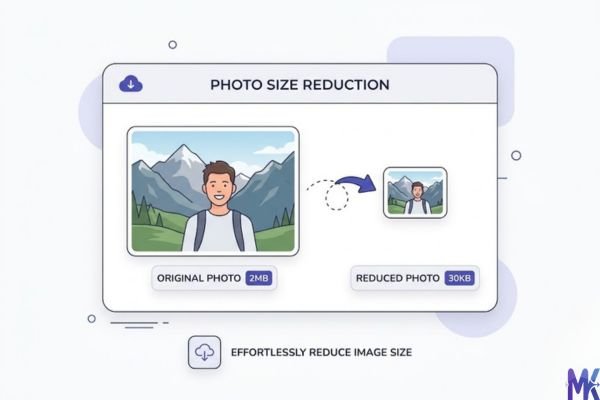
You’re sitting at a cyber café in Dhaka or at your hostel in Colombo, trying to complete an online admission form before the deadline. You’ve uploaded your photo three times already, and every time it says “file size exceeded.” Your phone camera took a 2MB shot, your friend’s editing app brought it down to 200KB, but the portal is asking for maximum 30KB. Sound familiar? This is the exact situation thousands of students and job seekers face every year across Bangladesh and Sri Lanka.
The 30KB limit is especially common in South Asian government and university portals. It’s not arbitrary these platforms are often built to handle millions of submissions, and strict file size limits help keep their servers from crashing during peak admission seasons. Bangladesh PSC (bpsc.gov.bd), BUET admissions, and the Sri Lanka UGC portal all fall into this category. If you’re applying for a BCS exam, a government job through govijobs.com, or a university scholarship, there’s a real chance you’ll hit this 30KB wall.
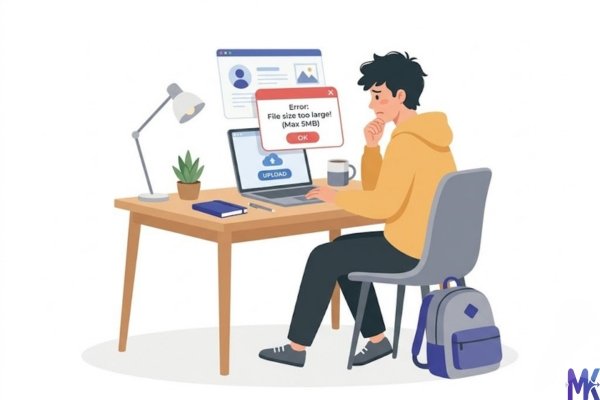
And it’s not just students. Parents filling forms for their children’s school admissions, fresh graduates uploading documents for first-job applications, and scholarship applicants sending files to overseas universities all of them deal with this. 30KB is tight, but it’s workable, and with the right approach your photo can still look clean and presentable inside that limit.
Real Platforms and Websites That Require 30KB
| Platform | Max Size Allowed | Common Use | Country |
| Bangladesh PSC (bpsc.gov.bd) | 30KB (photo), 60KB (signature) | BCS & government job applications | Bangladesh |
| BUET Undergraduate Admissions | 30KB | Admission form photo upload | Bangladesh |
| University of Dhaka Online Portal | 30–50KB | Admission & re-admission forms | Bangladesh |
| Bangladesh National University (NU) Admission | 30KB | Honours admission applications | Bangladesh |
| Sri Lanka UGC University Admissions | 30KB | University entrance forms | Sri Lanka |
| Department of Examinations Sri Lanka | 30–40KB | Exam registration forms | Sri Lanka |
| Sri Lanka Government Job Portal (govijobs.com) | 30KB | Public sector job applications | Sri Lanka |
| Sri Lanka Scholarships Commission Portal | 30KB | Local & foreign scholarship forms | Sri Lanka |
A quick note: Some of these portals don’t always display a clear error message when your file is too large they just silently reject the upload or freeze. If your form submission isn’t going through, file size is often the first thing to check.
What Image Quality Looks Like at 30KB
Let’s be honest with you 30KB is not a lot of space, but it’s more forgiving than 20KB. Here’s what you can realistically expect:
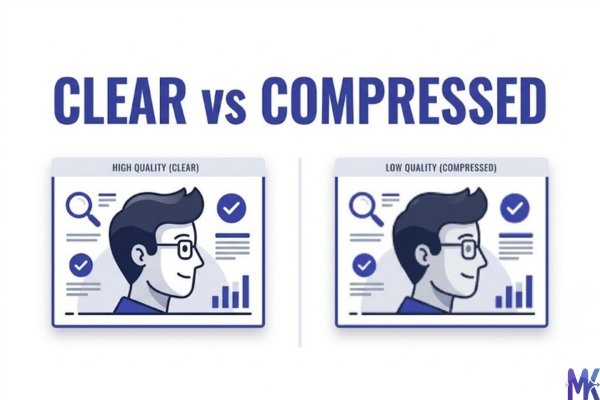
What survives well at 30KB:
- A simple passport-style photo with a plain white or light-colored background compresses beautifully at this size. Your face, skin tones, and overall structure remain clearly visible and sharp enough for official use.
- Images that are already small in dimensions (like 200×200px or 300×300px) hit 30KB with almost no visible quality loss.
- JPG format holds up better than PNG at this size for photos, because JPG’s compression is designed for photographic content.
What starts to degrade:
- Fine details like hair strands, glasses frames, or fabric textures begin to soften. You’ll notice it if you zoom in, but at normal viewing size it’s still acceptable.
- Bright contrasting backgrounds (red, blue, green studio backdrops) can develop a slightly “blocky” or patchy look, especially in corners.
- If your original photo has a lot of shadow and light variation in the face (taken in low light), that detail will compress more noticeably.
The honest verdict: For a profile photo on a government form or university portal, 30KB is completely acceptable. Nobody on the other end is zooming into your photo they’re verifying your identity and presence. A clean, plain-background photo at 30KB looks professional and submittable. You’re not printing a billboard; you’re filling a form.
How to Get the Best Result at 30KB
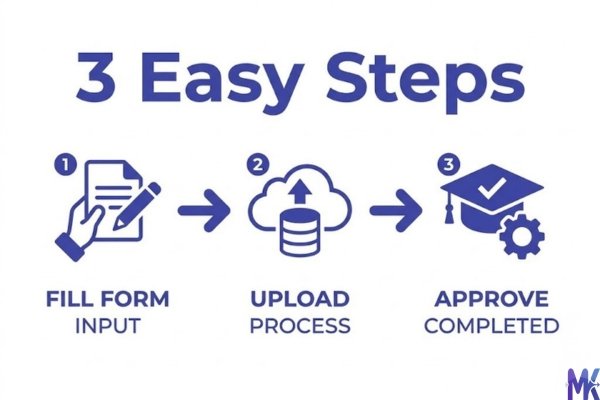
1. Start with the right dimensions before compressing Don’t compress a 4000×3000px photo down to 30KB you’re fighting your own image. Resize the photo to around 200×200px or 300×400px (depending on whether it’s a square or passport format) before compressing. Less pixel data = easier compression = better quality at the target size.
2. Use a plain background — it compresses far better A plain white or light grey background has very little color variation, which means the compression algorithm has less work to do and can preserve your face better. If your photo has a cluttered background, it eats up your 30KB on irrelevant detail.
3. Choose JPG over PNG for photos PNG files use lossless compression, which is great for logos and graphics but creates unnecessarily large files for photos. A JPG at 30KB will look noticeably better than a PNG at 30KB because JPG is designed for photographic compression.
4. Don’t over-brighten or over-edit before compressing Heavy Instagram-style filters, high contrast, and brightness boosts can actually make compression worse they introduce artifacts more visibly. Stick to a natural, well-lit photo.
5. If multiple photos need compressing, do them together If you’re filling multiple applications or helping a family member alongside yourself, you can upload and compress several images at once the tool supports bulk compression, so all your images get processed in one go without repeating steps.
6. After compressing, preview at 100% zoom Before you upload to any portal, open the compressed image and view it at full size. If it looks acceptable to you at normal screen size, it will look acceptable to the form reviewer too. Trust the preview.
30KB vs 20KB vs 40KB — Which to Choose?
| 20KB | 30KB | 40KB | |
| Visible Quality | Noticeably soft, some artifacts | Good — clean for most uses | Noticeably better detail |
| Best For | Portals with very strict limits | BCS, BUET, NU, UGC forms | When the portal allows 40KB |
| Photo Dimensions | Keep below 200×200px | Up to 300×400px works well | Up to 400×500px acceptable |
| Background Type | Plain only | Plain strongly preferred | Some variation acceptable |
| Safe for Official Use? | Borderline | Yes, comfortably | Yes, with more headroom |
| Risk of Rejection? | Low (size-wise) | Very low | Very low |
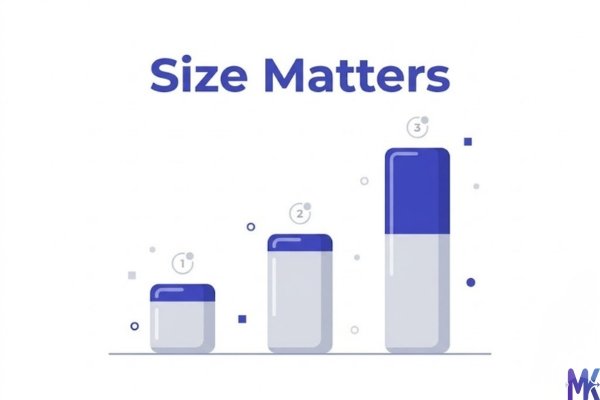
When to pick 20KB: Only when the portal explicitly states 20KB max. Don’t choose it voluntarily 30KB always gives you better quality for no extra effort.
When to pick 30KB: This is your default for most Bangladeshi and Sri Lankan government and university portals. It’s the sweet spot tight enough to pass strict portals, large enough to keep your photo recognizable.
When to pick 40KB: If your portal allows up to 40KB and you have the option, use it. The quality jump from 30 to 40KB is visible and worth taking if the system accepts it. Check your specific portal’s instructions before assuming 30KB is required.
Common Mistakes People Make at 30KB
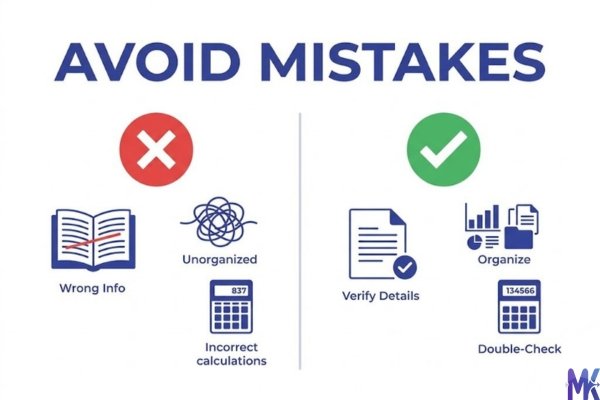
Mistake 1: Compressing a screenshot instead of the actual photo Many people take a screenshot of their photo on their phone and try to compress that. Screenshots often include extra pixels from the screen frame or status bar, and they’re already a degraded version of the original. Always use the original image file the one directly from your camera or the photographer.
Fix: Transfer the original photo file (JPG/PNG from your gallery) to your device and compress that.
Mistake 2: Compressing a photo that’s already been compressed multiple times If you’ve already compressed a photo to 80KB and then compress it again to 30KB, you’re compressing compressed data and quality degrades much faster this way. Each round of lossy compression stacks the damage.
Fix: Always start from the highest-quality version of the image you have. If you have the original from your camera, use that as the source every time.
Mistake 3: Uploading a very large photo and expecting perfect quality Some applicants upload a 3MB, 5MP photo and expect the 30KB version to look identical. That’s a 100x compression the math doesn’t work in your favor. The tool will compress it, but quality will suffer more than necessary.
Fix: Resize your image to roughly the dimensions needed (200×200 to 300×400px) before compressing. The tool compresses to your exact target, but starting smaller means less quality sacrifice.
Mistake 4: Ignoring the portal’s dimension requirements alongside the size requirement 30KB is the size limit, but many portals also specify dimensions like “150×200 pixels” or “passport size.” If you compress to 30KB but ignore the dimension requirement, your photo may still be rejected or appear distorted inside the form.
Fix: Always read the full photo guidelines on the portal. Resize to the specified dimensions first, then compress to 30KB.
Latest from Our Blog
Explore image compressor guides, photo resizer tutorials, kilobyte reducer tips, and online image converter tools.
- How Image Compression Works (Beginner Guide + Free Online Tools)
- JPG vs PNG vs WebP — Which Image Format Should You Use?
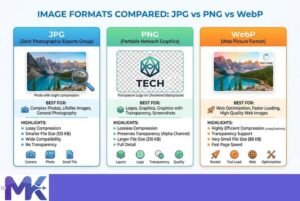
- How to Compress Images for Government Forms (Free & Easy Guide)

- Reduce Passport Photo Size — Free Online Guide (Step-by-Step)

- Compress Images for Job Application — Free Step-by-Step Guide

- Reduce Image Size Without Losing Quality — Complete Free Guide
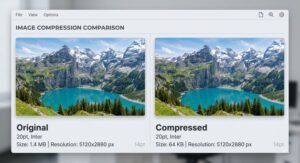
- Why Compress Images for Web — The Complete Guide

- Image Compression for Email Attachments — Complete Free Guide

- Bulk Image Compression — Complete Free Guide

Frequently Asked Questions
Yes. The tool on mbtokb.site is designed to compress images to your specified KB target. You set 30KB, and it gets as close as possible to that number without going over. It won’t give you 31KB and it won’t give you 5KB it aims for your exact target, making it reliable for strict portals like bpsc.gov.bd.
If no dimension is specified, go with a standard passport-style size — 300×300px or 300×400px works well. Pair that with JPG format and compress to 30KB. It’ll look clean and professional. If the form later gives an error about dimensions, the most common standard in Bangladeshi portals is 150×200px or 200×200px.
You technically can, but JPG will give you significantly better quality at 30KB for a photo. PNG at 30KB will look noticeably more compressed for photographic content. Unless the portal specifically requires PNG format, switch to JPG before compressing. Most Sri Lankan university portals accept JPG without any issues.
For official form submissions, yes. Reviewers on these portals are checking that your photo is clear, your face is visible, and there’s no distortion — not judging it like a photographer would. A properly taken passport photo compressed to 30KB will pass every visual check. If it looks acceptable on your screen at normal zoom, it will look acceptable to the reviewer.
It could be either. Some Sri Lankan government portals rescale images after upload (making them smaller on screen), which can add a soft look. If your compressed photo looks clear on your device before uploading, the compression is fine. The blur after upload is usually the portal’s own image rendering — it doesn’t affect how your file is stored or reviewed.
Not necessarily, you can upload multiple images at once and compress them all together in a single session. Just make sure each photo is already in the right format before uploading. It saves time when you’re helping multiple people meet the same deadline.
This is a fair concern. mbtokb.site processes everything entirely in your browser — your photo never gets uploaded to any server. The compression happens on your own device using browser-side code. This means your photo isn’t stored, logged, or sent anywhere. For sensitive documents like government ID photos, this kind of privacy-first approach matters, and it’s one of the reasons browser-based tools are worth using over cloud-upload services.