
Compress Images to 50KB
Compress image to 50KB online. Upload images, click compress, and download instantly.
Drop images here or click to upload
Supports: PNG, JPEG, WebP
Note: All image compression happens entirely in your browser. We do not upload or store your images anywhere.
Who Actually Needs 50KB Images?
You’re sitting at your laptop, finally ready to submit that federal job application on USAJOBS.gov you’ve spent hours perfecting your resume and then you hit the photo upload screen. It says “maximum file size: 50KB.” Your iPhone photo is 3.4MB. Suddenly that’s the only thing standing between you and hitting Submit. This is one of the most common, frustrating moments Americans run into online, and it happens more than you’d think.
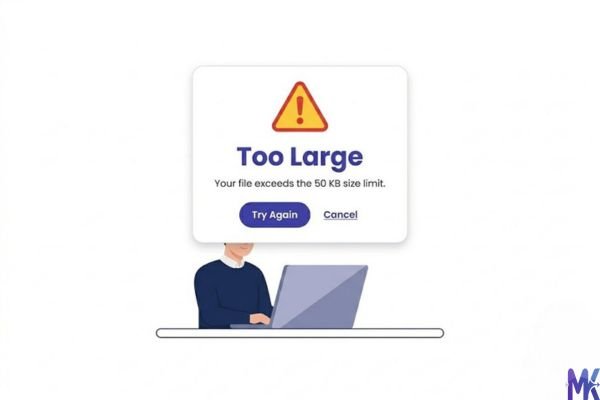
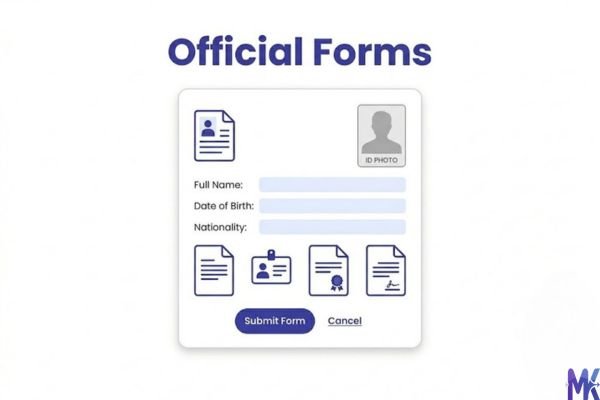
50KB is a sweet spot that shows up constantly in the US especially in government portals, immigration forms, and enrollment systems. If you’re applying for TSA PreCheck, filling out a Global Entry application, or uploading a profile photo on a federal HR system, 50KB is almost always a safe bet. These platforms weren’t built for convenience they were built with older infrastructure that set strict limits years ago and never updated them. So now you have to meet them where they are.
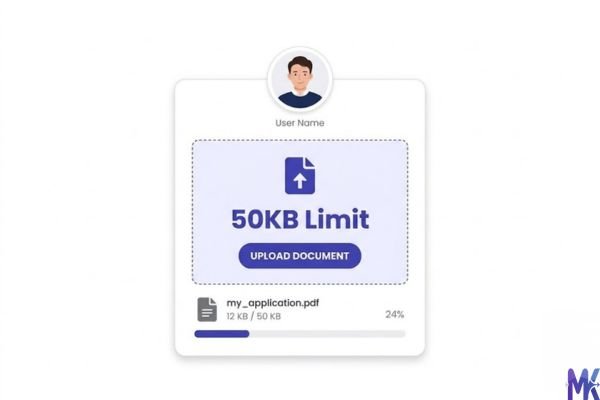
College applicants run into this too. If you’re a high school senior uploading a photo for Common App supplemental materials or for a scholarship portal, you might find 50KB requirements buried in fine print. Same goes for HR professionals uploading headshots to internal company systems, or immigrants submitting documentation through USCIS online portals. The need is real, specific, and almost always urgent because you only notice it when you’re trying to finish something important.
Real Platforms and Websites That Require 50KB
| Platform | Max File Size Allowed | Common Use | Country |
| USAJOBS.gov | Varies by agency (often 50–100KB for photos) | Federal job applications, profile photos | United States |
| USCIS Online Immigration Portal | 50KB for some document scans | Visa applications, green card uploads | United States |
| TSA PreCheck Enrollment | ~50KB recommended for photo clarity | Trusted traveler program enrollment | United States |
| Global Entry Application (CBP) | 50KB or under for digital photos | Customs & Border Protection enrollment | United States |
| Common App | Varies; many supplements cap at 50–100KB | College admissions photo uploads | United States |
| Indeed Profile Photo | Up to 5MB (50KB is fully compatible) | Job seeker profiles | United States |
| LinkedIn Profile Photo | Up to 8MB (50KB works fine) | Professional networking photo | United States |
| Glassdoor Company Photos | Varies; 50KB meets most requirements | Employer branding photos | United States |
| State DMV Online Portals | Often 50KB for ID renewal photos | Driver’s license renewal, state ID | United States (varies by state) |
Note: Platform limits change. Always check the current requirement before submitting. This table reflects common limits based on publicly available information.
What Image Quality Actually Looks Like at 50KB
Let’s be straight with you: 50KB isn’t huge, but it’s not tiny either. For a profile photo or a form headshot, 50KB is genuinely decent. You’re not going to get a poster-quality image, but you will get something that looks clean, recognizable, and professional on a screen.
What holds up well at 50KB:
- Human faces in portrait-style shots — skin tones compress better than you’d expect
- Images with flat or simple backgrounds (white, gray, solid colors)
- Small-to-medium dimensions (400×400px to 600×800px range)
- JPG format with moderate compression — you’ll retain sharpness on facial features
- WebP format — this is where 50KB really shines; WebP can deliver noticeably better quality than JPG at the same file size
What starts to suffer:
- Fine hair detail and flyaways — these tend to get a bit blurry
- High-contrast edges (like text on a colorful background in an infographic)
- Large images forced down to 50KB — if your original is 4000×3000px, expect visible degradation
- PNG files with lots of color variation — PNGs at 50KB often look worse than JPG equivalents
The honest tradeoff: At 50KB, you’re trading some fine detail for a file size that works everywhere. For a government form upload or a job site profile photo, that tradeoff is almost always worth it — no recruiter is zooming into your USAJOBS photo at 400%. For artistic photography or client work where pixel-perfect quality matters, 50KB is probably not your end destination.
How to Get the Best Result at 50KB
Getting to 50KB without your photo looking like it came from a 2005 flip phone takes a bit of strategy. Here’s what actually works:
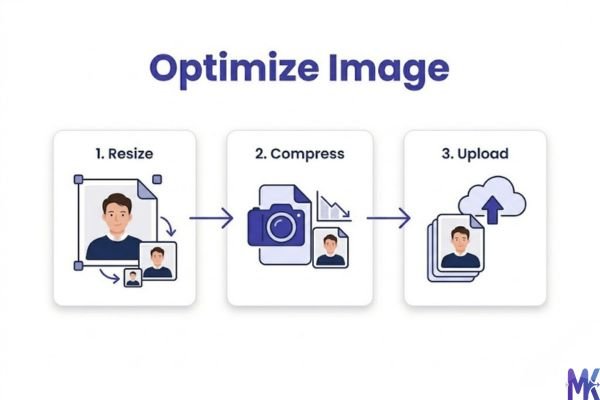
1. Resize before you compress. Don’t feed a 4K image into a compressor and ask it to reach 50KB that’s like trying to fit a couch into a shoebox. Resize your image to something reasonable first. For a profile photo, 400×500px or 500×500px is plenty. For a document scan, 800×1000px works. Smaller dimensions mean the compressor has less work to do, and quality is preserved better at the same file size.
2. Use JPG for photos, WebP for everything possible. If you have a choice of output format, WebP will give you noticeably better quality at 50KB than JPG. It’s supported in all modern browsers. Only fall back to JPG if the platform specifically requires it.
3. Start with a clean, well-lit original. A blurry or poorly lit source photo will look terrible at 50KB. Compression amplifies flaws it doesn’t hide them. Take or use the clearest original you have. Good lighting and a plain background make a huge difference in the final compressed output.
4. Use a plain or solid background. Complex backgrounds (trees, offices, crowded rooms) contain way more data than a clean white or gray backdrop. A plain background compresses more efficiently, which means the compressor can use more of those 50KB on your face where it actually matters.
5. Don’t re-compress an already-compressed image. If you save a JPG, then upload that JPG to a compressor, you’re compressing artifacts that already exist. Always start from the original or highest-quality version you have. Re-compressing is one of the fastest ways to end up with a blurry, blocky result.
6. Check the output before submitting. Always preview the compressed image at 100% zoom before you upload it anywhere. What looks fine as a tiny thumbnail can look noticeably degraded when you zoom in. Most government and immigration portals will display your photo at a reasonable size — make sure it holds up.
One thing that saves time: mbtokb.site supports bulk compression, so if you’re prepping multiple documents or photos for an application package, you can upload them all at once and compress everything in a single click.
50KB vs 40KB vs 60KB – Which Should You Choose?
| 40KB | 50KB | 60KB | |
| File Size | Smallest of the three | Middle ground | Slightly larger |
| Quality | Noticeably more compressed | Good balance | A little sharper |
| Best For | Strict government portals, older systems | Most US form and profile uploads | LinkedIn, Indeed, modern platforms |
| Profile Photos | Acceptable, some softness | Looks good, professional | Looks slightly better |
| Document Scans | Works for basic text docs | Works well for most scan types | Better for detailed documents |
| Platform Compatibility | Meets stricter limits | Meets almost all US requirements | May exceed some older portals |
| When to Pick This | If the limit is 40KB or lower | Default choice for most use cases | When quality matters more and limit allows |
Bottom line: If you’re not sure which to pick, 50KB is your default. It’s the most universally accepted size across US government portals, job platforms, and college application systems. Go to 40KB only if you have a hard cap forcing you there. Go to 60KB when the platform allows it and you want a little more visual sharpness like a LinkedIn headshot where first impressions count.
Common Mistakes People Make at 50KB
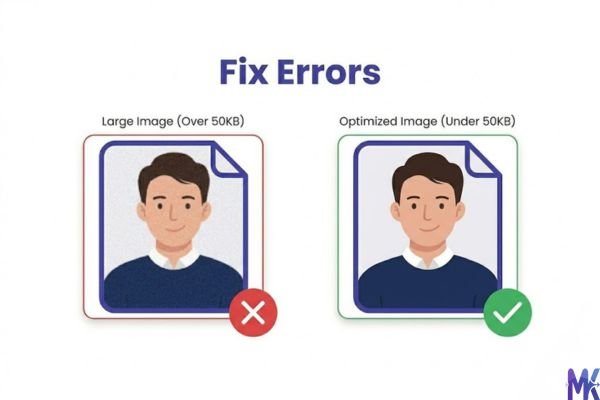
Mistake 1: Uploading a huge image and expecting perfect quality The most common mistake is taking a 10MB smartphone photo straight from your camera roll and trying to compress it to 50KB without resizing first. The compressor has to do an enormous amount of work, and the result is often a blurry, artifact-heavy mess.
Fix: Resize your image to a reasonable dimension (under 800px wide for profile photos) before compressing. The quality jump is dramatic.
Mistake 2: Using PNG when JPG or WebP would work better PNG is a lossless format it resists compression. Trying to get a color photo down to 50KB as a PNG often results in visible banding and loss of color gradients. Unless the platform specifically requires PNG (rare), switch to JPG or WebP. You’ll get a much better-looking result at the same file size.
Mistake 3: Not checking the platform’s actual requirements People often assume “50KB” when the actual limit might be 100KB or 200KB. Before you compress aggressively, check the exact requirement on USCIS, USAJOBS, or whatever platform you’re using. You might be working harder than you need to. On the flip side, some older state DMV portals still have 50KB limits that catch people off guard so always read the fine print before you upload.
Mistake 4: Compressing and then editing Some people compress their image to 50KB and then decide to crop, rotate, or adjust brightness in another tool and then re-save. Every time you re-save a JPG, you lose quality. Get your editing done first (crop, straighten, adjust), and compress last. That way, you only compress once from the best possible source.
Latest from Our Blog
Explore image compressor guides, photo resizer tutorials, kilobyte reducer tips, and online image converter tools.
- How Image Compression Works (Beginner Guide + Free Online Tools)
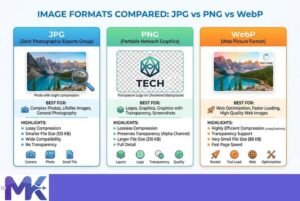
- JPG vs PNG vs WebP — Which Image Format Should You Use?
- How to Compress Images for Government Forms (Free & Easy Guide)

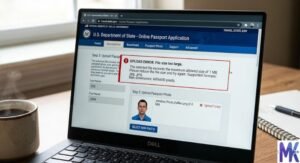
- Reduce Passport Photo Size — Free Online Guide (Step-by-Step)
- Compress Images for Job Application — Free Step-by-Step Guide

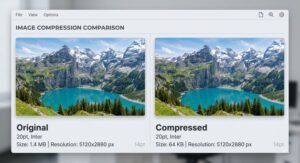
- Reduce Image Size Without Losing Quality — Complete Free Guide
- Why Compress Images for Web — The Complete Guide

- Image Compression for Email Attachments — Complete Free Guide

- Bulk Image Compression — Complete Free Guide

- Image Size Requirements for Indian Government Websites (2026 Complete Guide)

- Best Image Formats for Web Performance (2026 Guide for Fast Websites)

Frequently Asked Questions
Yes — mbtokb.site processes everything entirely in your browser. Your images are never uploaded to a server, never stored, and never transmitted anywhere. This is especially important when you’re dealing with immigration photos, government ID scans, or any documents with personal information. The compression happens locally on your device, so there’s no privacy risk.
It depends on the tool you’re using. mbtokb.site compresses to your target file size without forcing a dimension change it reduces quality and optimizes encoding to hit 50KB while keeping your original pixel dimensions intact. This matters for portals that require specific photo dimensions (like 600×600px) you can compress to 50KB and still keep the right size. Always double-check dimensions if the platform specifies them separately from file size.
Common App’s photo requirements vary depending on what schools ask for in their supplements. For most standard profile photos or ID uploads in the application system, 50KB is more than sufficient. If a scholarship portal within Common App has stricter requirements, they’ll list them but 50KB will pass the majority of US college application photo fields without any issues.
Absolutely. LinkedIn and Indeed both accept much larger files, so 50KB is not a limitation there it’s just a very efficient file size. The key is starting with a good original photo (good lighting, professional attire, plain background) and compressing smartly. A well-compressed 50KB headshot on LinkedIn looks just as professional as a 500KB one because the platform resizes images for display anyway.
Yes. Both programs accept digital photos for online applications, and 50KB is within acceptable limits. For in-person enrollment centers, you may not need a digital photo at all — they photograph you on-site. But for pre-enrollment forms and online applications through CBP (Customs and Border Protection), a clear 50KB JPG or PNG is perfectly fine.
USCIS has specific photo requirements they care more about dimensions (2″×2″, taken within 6 months, white background) than exact file size, but they do have upper limits for digital submissions. A 50KB file easily meets USCIS file size requirements and is widely accepted. The bigger challenge is meeting their photo composition standards (full face, neutral expression, no glasses). Get the photo right first, then compress.
In most cases, yes. USAJOBS.gov and many federal HR portals accept photos under 100KB, so 50KB falls well within that range. However, photo requirements vary by agency and position type — some roles don’t require a photo at all, while others have specific dimension requirements (like 2″×2″ at 300 DPI for certain security positions). Always check the specific agency’s instructions before uploading. 50KB is a safe, compatible size for the vast majority of federal upload fields.